
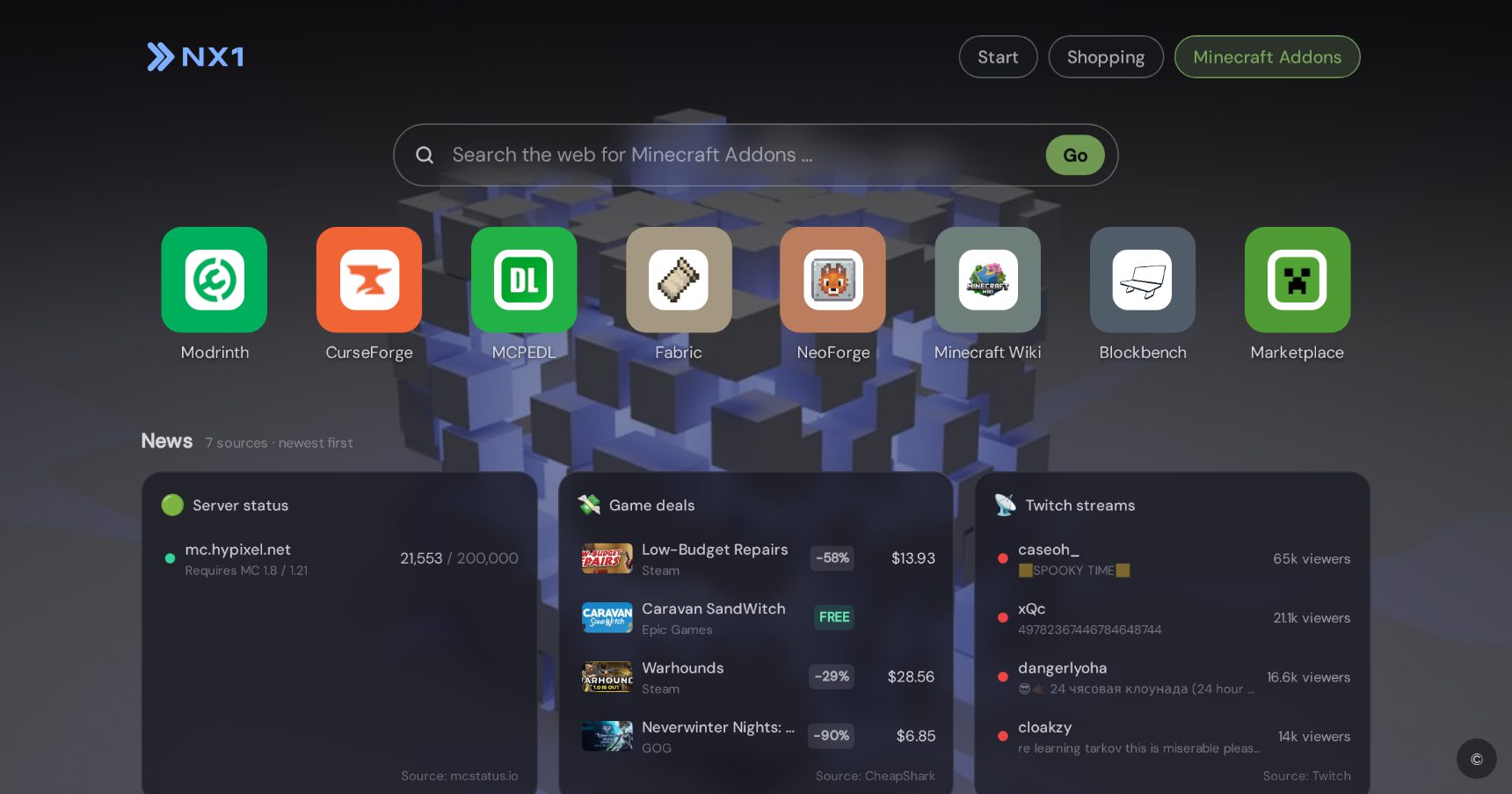
Minecraft Add-Ons start page for your new tab
MCPEDL, CurseForge & Marketplace — add-ons for Bedrock and Java.
The add-ons start page for your new tab: MCPEDL for Bedrock, CurseForge & Modrinth for Java, the official Marketplace and the Bedrock wiki — plus add-on searches right in the search bar.
What’s inside
The 8 best add-on sites
- MCPEDL — The biggest add-on collection for Bedrock: maps, mods, skins, texture packs.
- CurseForge — Mods and modpacks for Java — a huge archive with its own launcher.
- Modrinth — Fast, modern mod hub for Java: Fabric, Forge, shaders.
- Marketplace — The official Bedrock Marketplace: vetted add-ons, skins, worlds.
- Bedrock Wiki — The technical wiki for Bedrock add-ons — tutorials for building your own.
- Planet Minecraft — Community hub for maps, skins, texture packs and servers.
- Resource Packs — A fresh look for your world: texture and resource packs.
- Minecraft.net — Official downloads, news and your account.
News sources
- Minecraft.net — Updates
- MCPEDL
- GameRant — Minecraft
- PCGamesN — Minecraft
Topic searches
- MCPEDL
- CurseForge
- Modrinth
Extras
- Add-on searches right in the search bar
- News feed with update announcements
Frequently asked questions
What’s inside the Minecraft Add-Ons start page?
8 top sites (MCPEDL, CurseForge, Modrinth, Marketplace), 4 news sources (Minecraft.net — Updates, MCPEDL, GameRant — Minecraft) and 3 topic searches (MCPEDL, CurseForge, Modrinth). Plus: Add-on searches right in the search bar; News feed with update announcements.
What happens when I install through a start page?
NX1 installs as a browser extension and opens your very first new tab directly in the chosen start page — fully set up. Everything can be customized or removed afterwards.
Can I create my own start pages for other topics?
Yes. NX1 creates any start page with AI — type a name such as “FC Bayern” or “Formula 1” and the AI researches links, news sources and a design. Or build one manually.


